PC Study Bible won’t install or activate?
The LivingWordApp has nothing to activate online and nothing to download.
What happened
Owners report that PC Study Bible installs can fail on new computers and that support no longer answers (Logos Community thread). If that’s where you are, here’s another way to keep studying.
What will feel familiar
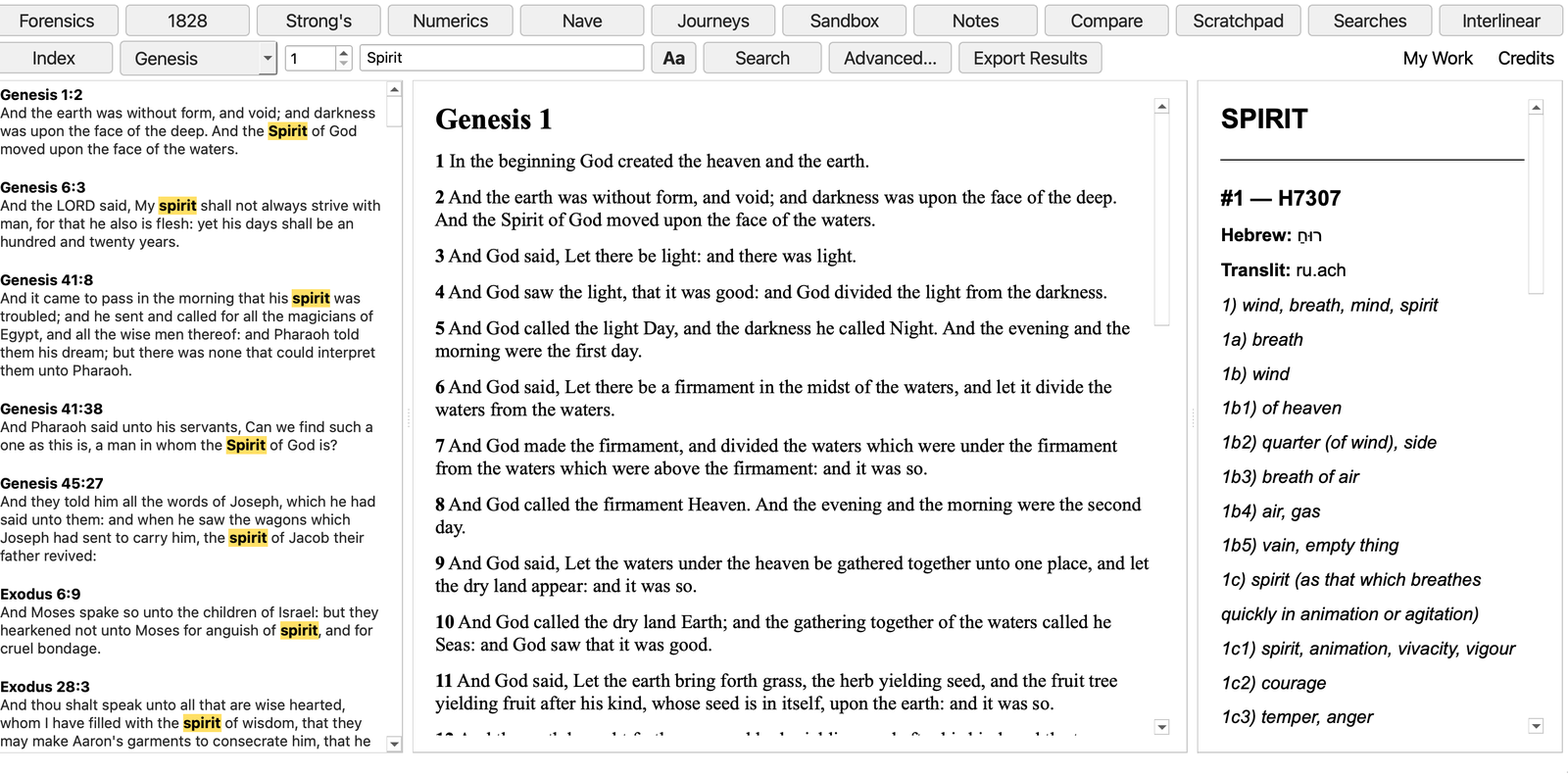
- The King James Version with a Strong’s number behind every word: click a word, see the Hebrew or Greek behind it.
- Hebrew and Greek interlinear, Webster’s 1828 dictionary, Nave’s Topical Bible and over 340,000 cross-references.
- Everything on your own computer, offline: no account, no sign-in, no subscription.
- Search the whole Bible, or just the books you choose.
What’s different, said plainly
- The LivingWordApp is a research tool, not a library: there are no commentaries or books to buy.
- Everything is on the drive, so there’s no activation server that can go away.
- Your PC Study Bible books, notes and highlights can’t be opened in The LivingWordApp.
- The LivingWordApp is a stand-alone application that runs from a USB drive rather than being installed.
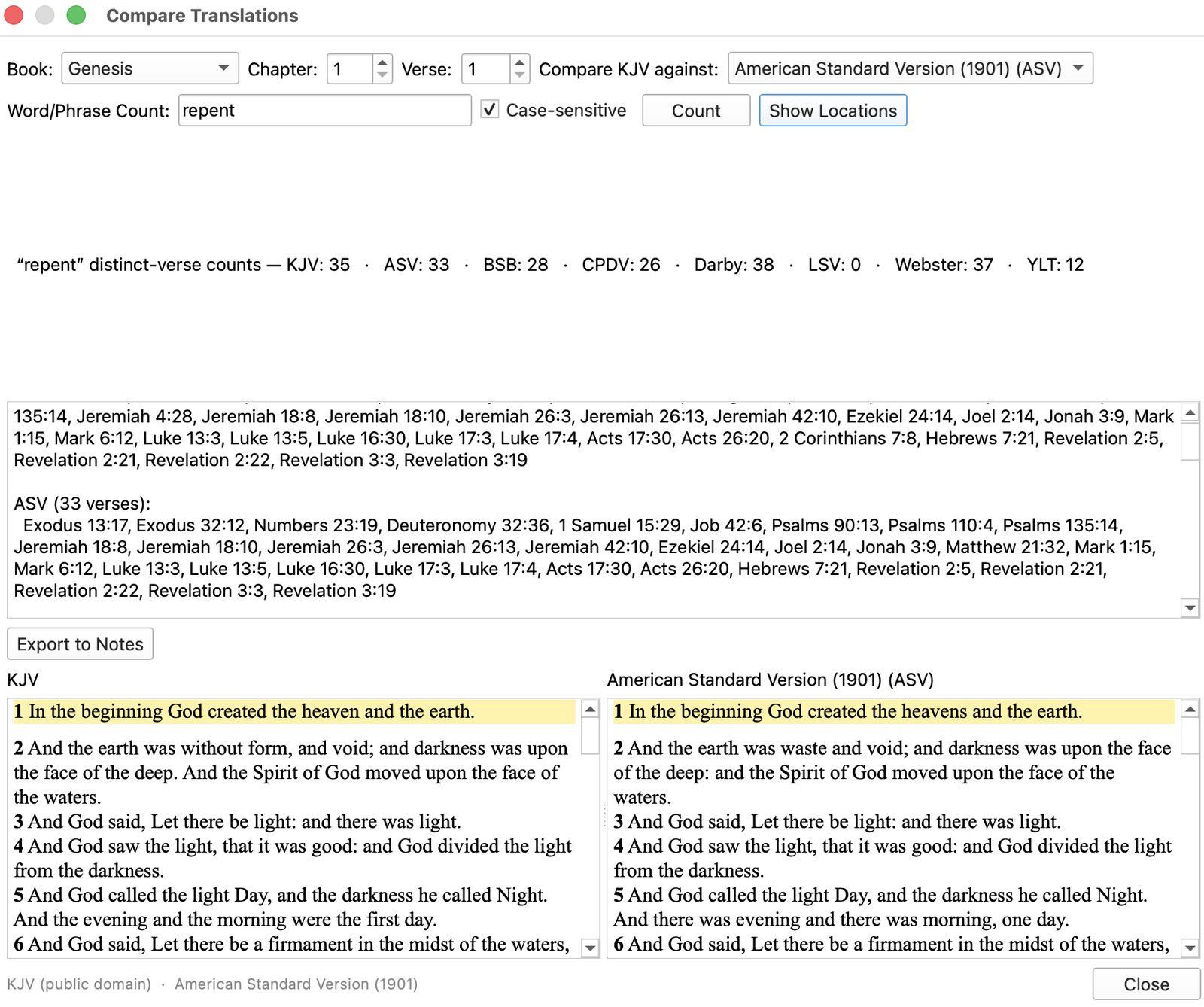
The LivingWordApp on one drive
$55.00, for two computers, Windows and Mac on the same drive. Check your computer first.
Buy the driveMore questions? See questions and answers, or ask us.
PC Study Bible is a trademark of Biblesoft. The LivingWordApp is not affiliated with or endorsed by Biblesoft.